Can the Dell XPS 15 battery be replaced?
Yes. The XPS 15 uses an internal, serviceable battery held by screws and a board connector. With the right tools and care, you can replace it yourself—or choose a professional service.
Before you buy: confirm your exact XPS 15 generation and battery part number (e.g., 4K1VM, 8N0T7, P0FWH/M9DG0/HGJCY), then search our store for the matching battery.
Quick picks — Popular Dell XPS 15 batteries
Images are clickable
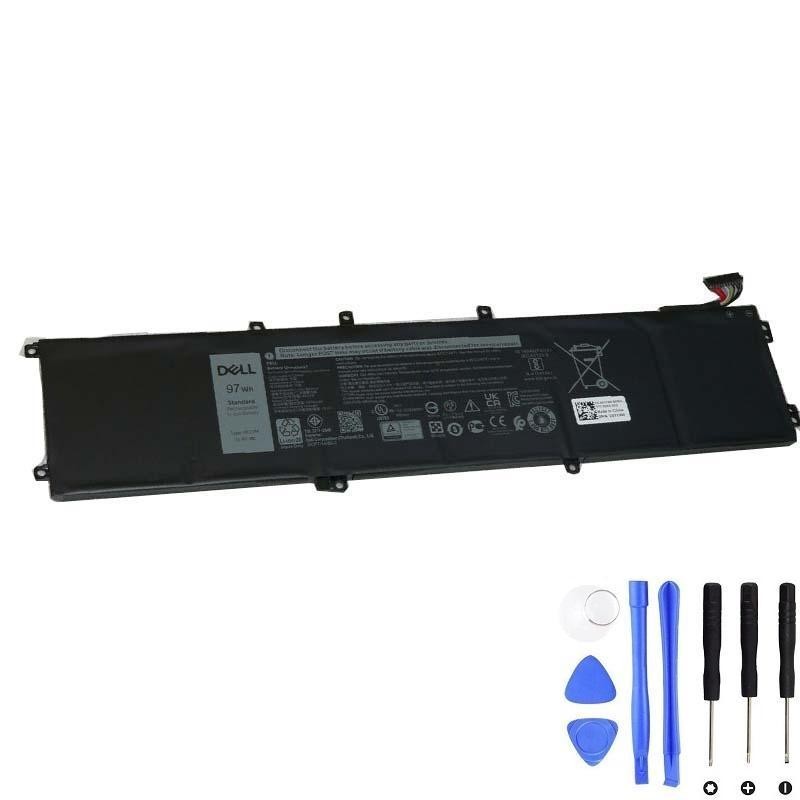
Dell 4K1VM Battery — 97Wh
High-capacity pack for select XPS 15 generations. Always match by model and P/N.
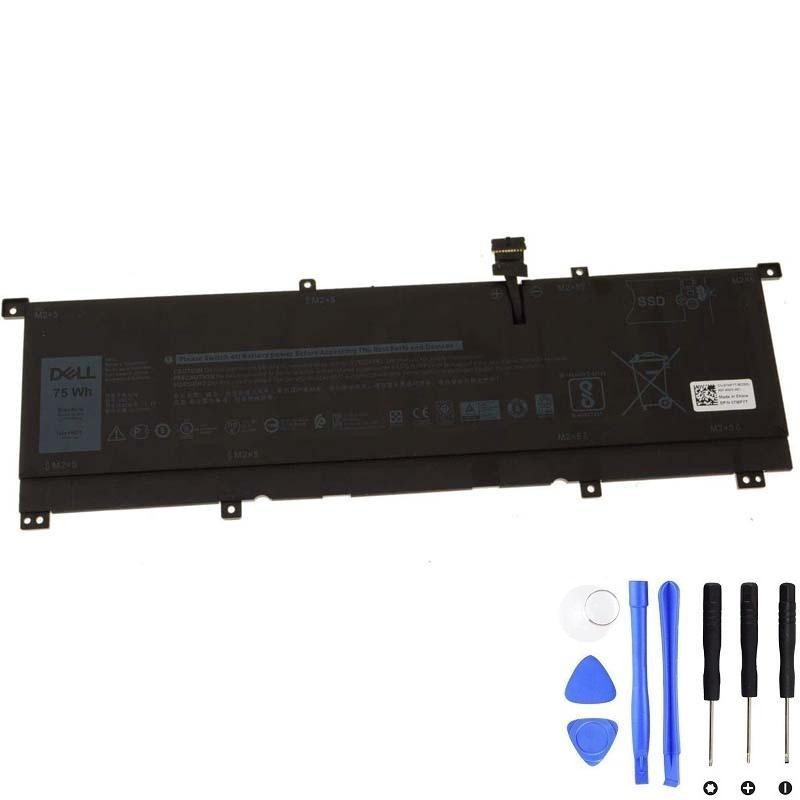
Dell 8N0T7 Battery — 75Wh
Balanced capacity/weight for select XPS 15 models. Verify against your original label.
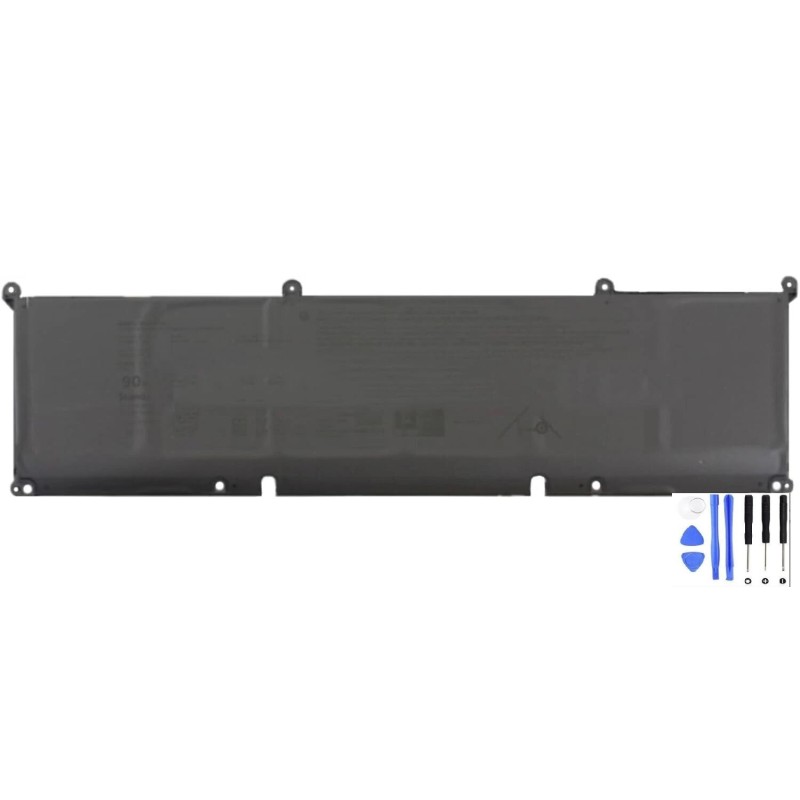
Dell P0FWH Battery — 90Wh (M9DG0/HGJCY)
Performance-focused capacity. Match by XPS 15 generation and P/N before ordering.
Before you buy: confirm your exact XPS 15 model
- Identify your generation: XPS 15 9550/9560/9570/7590 versus newer 9500/9510/9520/9530. Internal layouts and battery shapes/capacities differ by generation.
- Check the battery label: Look for a printed part number (P/N), e.g., 4K1VM, 8N0T7, P0FWH, M9DG0, HGJCY.
- Use your Service Tag: Enter it on Dell’s support page to see parts originally configured for your unit.
- Search our store: Use the exact model or P/N in the search bar to find the correct listing.
DIY overview: how to replace an XPS 15 battery
Skill level: intermediate. If the battery is swollen or you’re still under warranty, use a professional service.
Tools
- Torx T5 screwdriver (bottom cover), small Phillips (#0/#00), plastic spudger, tweezers, anti-static wrist strap (recommended).
Steps (high level)
- Shut down, unplug the charger and all accessories. Work on a clean, hard surface.
- Remove bottom cover (T5 screws; check for any hidden screws under labels/feet). Gently pry with a plastic tool.
- Disconnect the battery connector from the motherboard. Remove any brackets/shields first if present.
- Unscrew and lift out the battery. Install the new one, re-fit screws, reconnect the cable neatly.
- Re-assemble the cover. Plug in and perform one or two full charge/discharge cycles to help the system re-estimate capacity.
FAQ
Will a higher-Wh battery fit my XPS 15?
Do I need to “calibrate” the new battery?
How can I extend battery lifespan?
Can replacing the battery affect my warranty?
Ready to buy? Confirm & pick your battery
Confirm your exact XPS 15 model and original battery P/N, then choose one of these popular options. Still not sure?
Leave your full model or battery P/N in the checkout notes—we’ll verify compatibility before shipping.
Dell 4K1VM Battery — 97Wh
Dell 8N0T7 Battery — 75Wh