There isn’t a single “Acer battery life” number. Runtime depends on your battery’s capacity (Wh), your laptop’s average power draw (W), and how you use it. This guide shows quick ways to estimate hours, what shortens/extends runtime, and how to keep your battery healthy over time.
Popular Acer batteries you can buy now
If your runtime has dropped sharply or the battery is worn, a replacement restores portability. Below are three frequently requested Acer batteries. If your laptop uses a different part number, our store also carries a broad, well-curated range of other Acer batteries with clear specs, photos, and compatibility details.
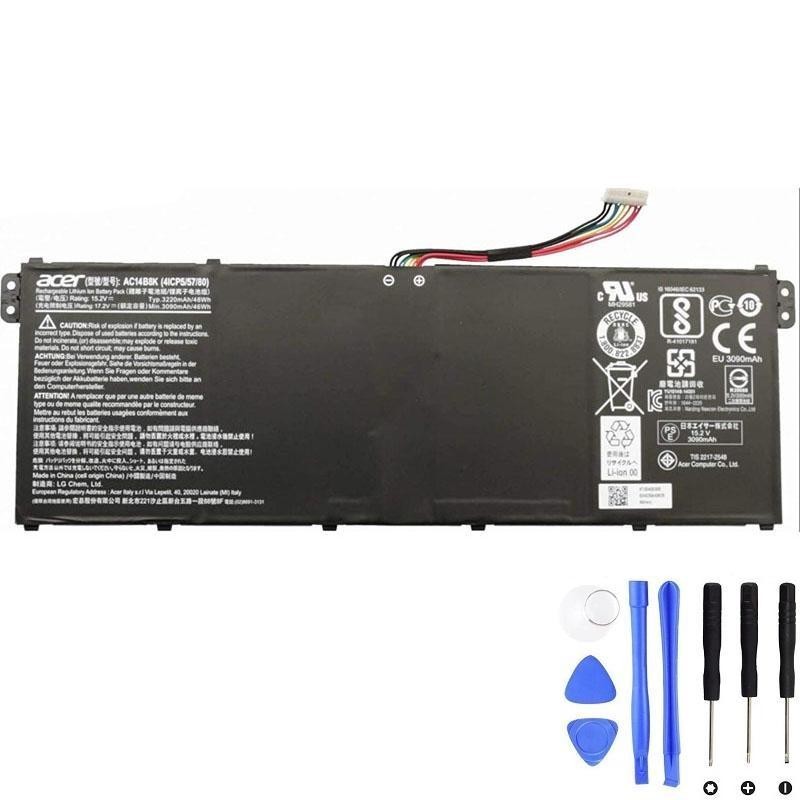
Acer AC14B8K — 48Wh
Common in many slim Acer models. Match if your original battery label shows AC14B8K.
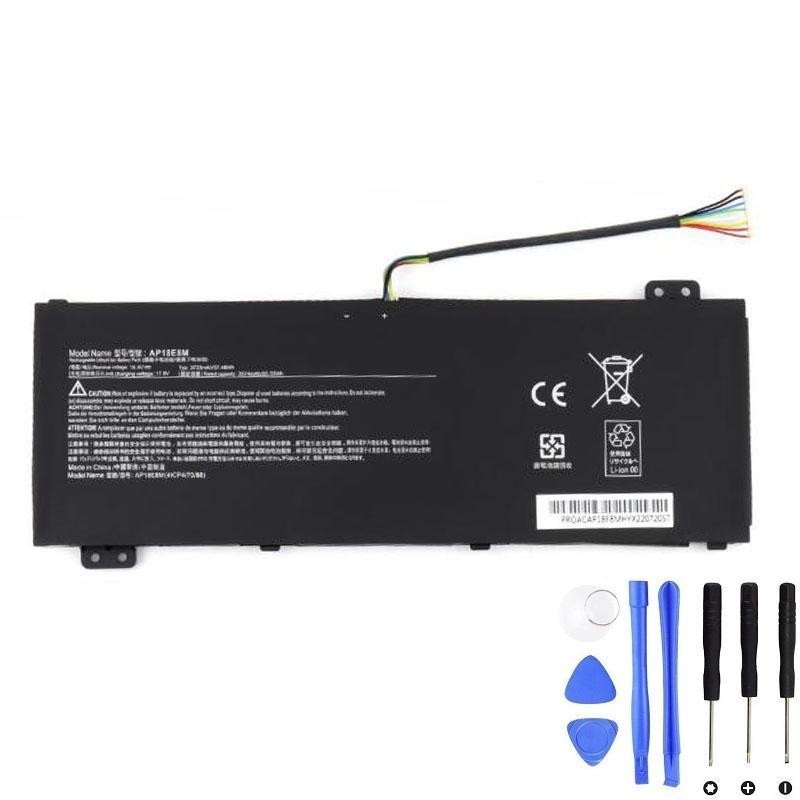
Acer AP18E8M — 57.48Wh
Internal pack for models labeled AP18E8M, offering capacity close to the original spec.
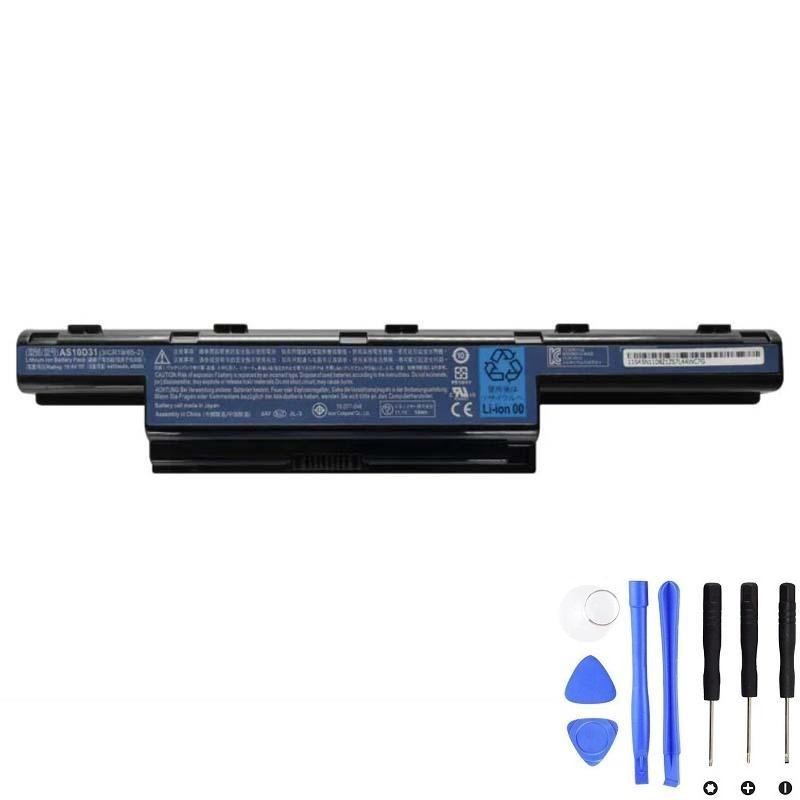
Acer AS10D31 — 48Wh
Popular with older Acer lines. Choose this if your original pack reads AS10D31.
Quick math: estimate your hours in seconds
Use this rule of thumb:
- Find your Wh: Printed on the battery label (e.g., 48Wh, 57.48Wh) or in the spec sheet.
- Guess average W by workload: Light web 7–9W, mixed office 10–14W, heavy tasks 20–30W+, gaming 35–70W+ (on dGPU).
Typical real-world ranges by workload
These are approximate examples for common Acer capacities. Your display brightness, CPU/GPU model, and background apps will move the needle.
| Battery (Wh) | Light web @ 8W | Mixed office @ 12W | Heavy work @ 25W |
|---|---|---|---|
| 36Wh | ≈ 4.5 h | ≈ 3.0 h | ≈ 1.4–1.5 h |
| 48Wh | ≈ 6.0 h | ≈ 4.0 h | ≈ 1.9 h |
| 57.48Wh | ≈ 7.2 h | ≈ 4.8 h | ≈ 2.3 h |
| 60Wh | ≈ 7.5 h | ≈ 5.0 h | ≈ 2.4 h |
| 75Wh | ≈ 9.4 h | ≈ 6.3 h | ≈ 3.0 h |
| 99.9Wh | ≈ 12.5 h | ≈ 8.3 h | ≈ 4.0 h |
What shortens battery life today
- Display brightness & refresh rate: High brightness or 120–165Hz panels drain faster.
- Background apps: Cloud syncs, updaters, RGB utilities, and browsers with many tabs keep CPU awake.
- dGPU usage: Nitro/Predator models drawing from the discrete GPU reduce runtime dramatically.
- Wireless & peripherals: Hotspot mode, external drives, and dongles increase draw.
- Battery wear: Aging cells hold fewer Wh than when new (see “health” below).
- Temperature: Heat elevates internal resistance and accelerates wear over time.
How to check your Acer battery’s health
- Windows battery report: Open Command Prompt (Admin) → run powercfg /batteryreport. Open the generated HTML report and compare Design Capacity vs Full Charge Capacity.
- Physical label (most accurate for specs): Power down, unplug, remove bottom cover (if applicable) to read the battery’s part number (e.g., AC14B8K, AP18E8M, AS10D31) and capacity in Wh.
- Third-party utilities: HWInfo or similar tools can show wear %, cycles, and charge rate.
Tips to make it last longer
- Lower brightness & disable unused radios: Wi-Fi/BT off when not needed; consider 60Hz on high-refresh displays.
- Use a balanced/battery saver plan: Limit turbo boost when on battery; close heavy background apps.
- Keep cool: Avoid soft surfaces blocking vents; clean dust; don’t leave laptop in hot cars.
- Good charging habits: For daily use, avoiding frequent deep 0–5% drains helps long-term health. Occasional full cycles are fine for gauge learning.
- Calibrate after replacements: Charge to 100%, rest 30–60 min on AC, discharge to ~10–20%, then recharge to 100% once or twice.
FAQs
How many years should an Acer battery last? With normal use, many lithium-ion packs retain ~70–80% capacity after a few hundred cycles. Actual years depend on usage patterns, temperatures, and charge habits.
Is it okay to keep the laptop plugged in? Yes for most workflows. Heat is the bigger enemy; ensure good ventilation. If storing for weeks, power down around 40–60% charge.
My runtime collapsed suddenly—why? Common causes include a worn pack, a background process spiking CPU, a high-refresh display on battery, or a dGPU stuck active.
Brand names are used strictly for identifying compatible replacement parts.