The ThinkPad T480 uses Lenovo’s Power Bridge system: a 24Wh internal battery inside the chassis plus an optional external, hot-swappable battery (24Wh / 48Wh / 72Wh). Your total capacity—and therefore battery life—depends on which external pack you attach and how heavily you use the laptop.
Short answer
- Internal only (24Wh): ~2–5 hours depending on workload and settings.
- Internal 24Wh + External 24Wh (total 48Wh): ~4–10 hours.
- Internal 24Wh + External 48Wh (total 72Wh): ~6–15 hours.
- Internal 24Wh + External 72Wh (total 96Wh): ~8–20 hours.
Why the wide range? Power draw varies a lot: screen brightness, CPU load, web/video, Wi-Fi/BT radios, and background apps all change the number of watts the T480 consumes.
The quick math (so you can estimate your own runtime)
Runtime (hours) ≈ Total Wh ÷ Average Watts
Example: with 72Wh total and a modest 10W average draw, you can expect roughly 7.2 hours (72 ÷ 10).
Hour-by-hour estimates by workload
Use the table below as a realistic guide. We group usage into three common ranges:
- Light: 6–8W (notes, Docs, dimmer screen, Wi-Fi)
- Mixed: 10–12W (web + calls + office work, 200–250 nits)
- Heavy: 15–20W (compiles, many tabs, high brightness, Zoom with screen share)
| Battery setup | Total capacity | Light (≈7W) | Mixed (≈11W) | Heavy (≈17W) |
|---|---|---|---|---|
| Internal only (Battery 1) | 24Wh | ~3.4 h | ~2.2 h | ~1.4 h |
| Internal 24Wh + External 24Wh | 48Wh | ~6.9 h | ~4.4 h | ~2.8 h |
| Internal 24Wh + External 48Wh | 72Wh | ~10.3 h | ~6.5 h | ~4.2 h |
| Internal 24Wh + External 72Wh | 96Wh | ~13.7 h | ~8.7 h | ~5.6 h |
Note: These are ballpark figures to help plan your day. Actual results vary with CPU model, RAM, storage, OS tuning, radio strength, and battery wear.
Real-world scenarios (what most T480 owners see)
- Office day, lots of Docs/Sheets + a few calls, 200–250 nits: 48Wh total often lands ~5–8 hours; 72Wh ~7–12 hours.
- Conference day with Zoom + screen share: Expect mixed-to-heavy draw. 72Wh gives 4.5–8 hours depending on brightness and CPU load.
- Travel day, offline writing + low brightness: 96Wh can stretch to the upper end of the ranges (12–18 hours with gentle usage).
How to extend battery life on the T480
Tame the display
Use 150–200 nits indoors, enable adaptive brightness, and turn off keyboard backlight when not needed.
Smart power plan
Use Windows “Balanced” or Lenovo Vantage’s intelligent cooling; set sleep at 10–15 minutes, screen off at 5–8 minutes.
Radio discipline
Disable Bluetooth when idle; prefer 5 GHz Wi-Fi with good signal to avoid retransmissions.
Keep it cool
Use a hard surface; dust out vents occasionally—cooler systems draw less power under the same workload.
Add capacity the easy way (Power Bridge batteries)
The fastest way to increase battery life is to pair the internal 24Wh with the external pack that fits your day. Here are the T480-compatible options with direct links:
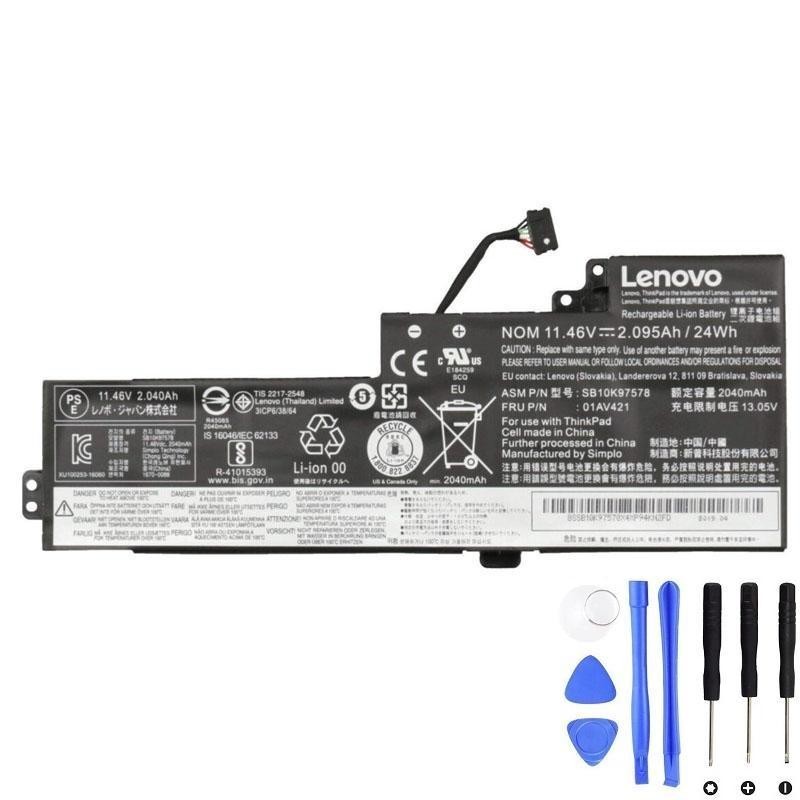
Internal — 24Wh (FRU 01AV421)
Restores baseline health; required for hot-swap behavior.
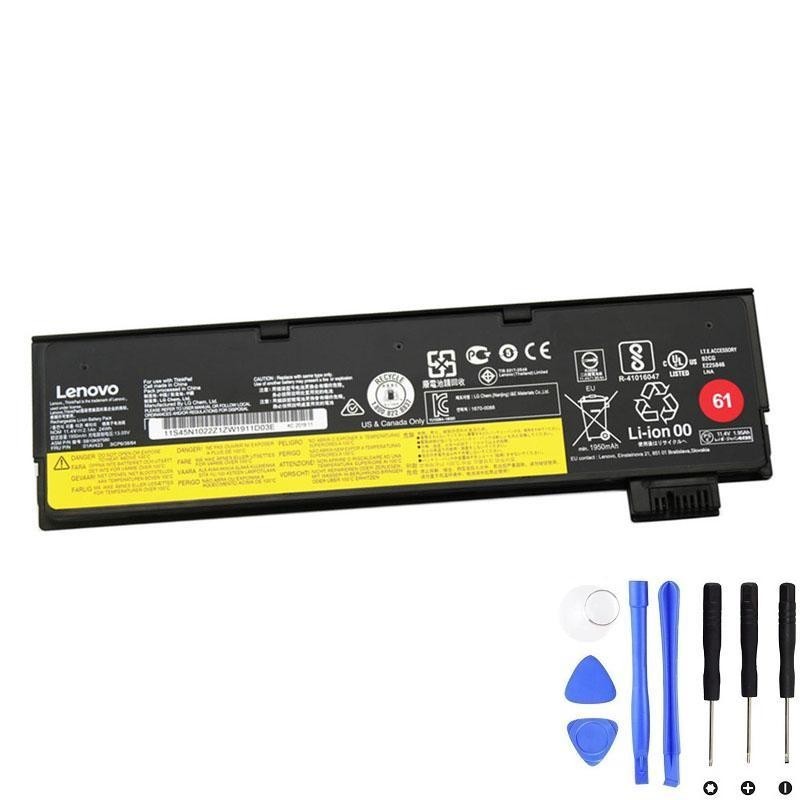
External — 24Wh (Lenovo 61, FRU 01AV423)
Flat profile; great daily companion with hot-swap flexibility.
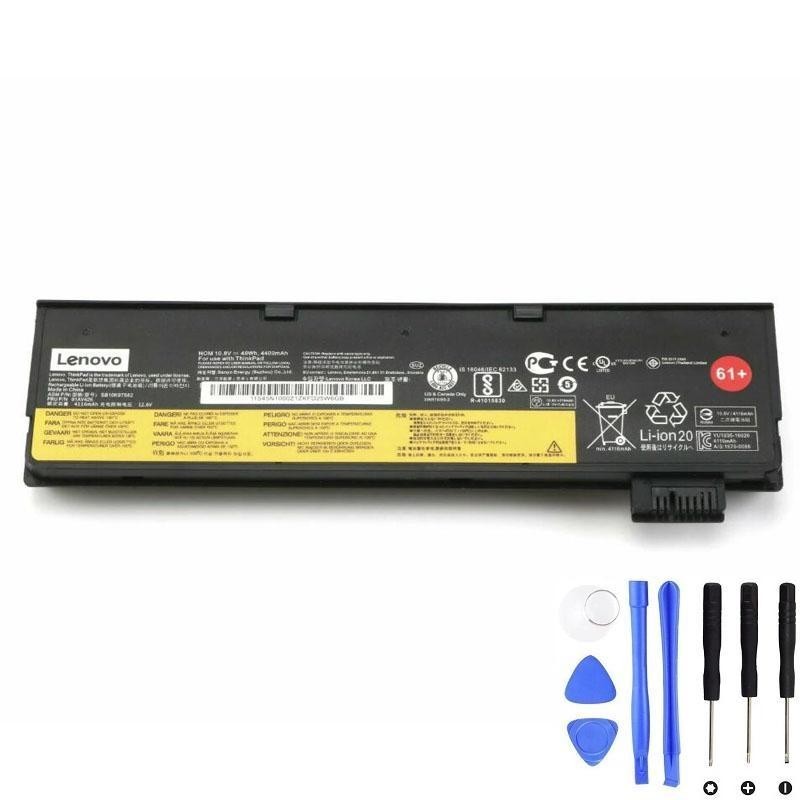
External — 48Wh (Lenovo 61+, FRU 01AV425)
Balanced extra hours; small wedge at the back.
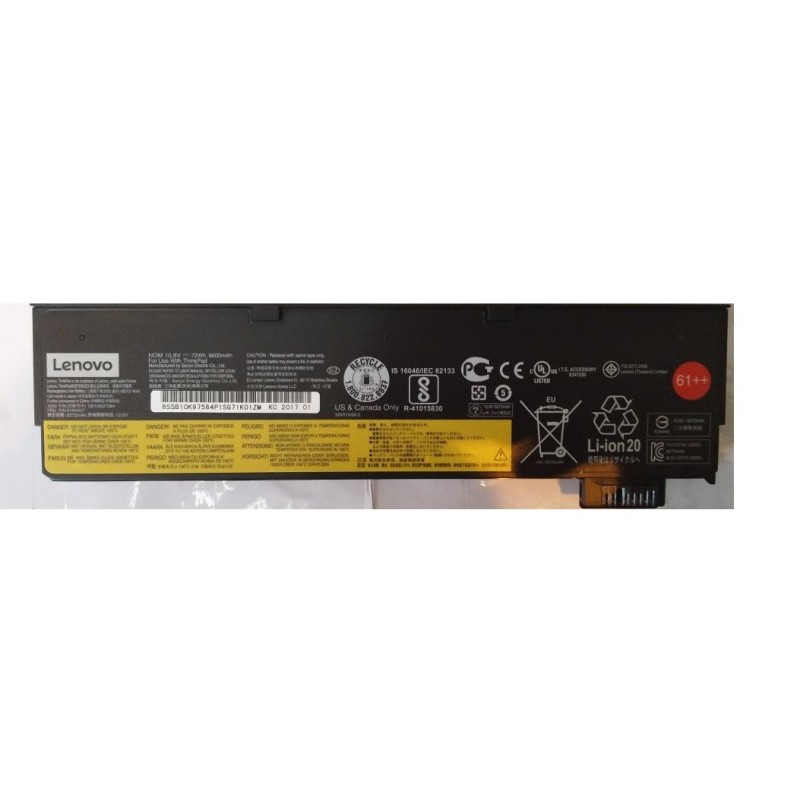
External — 72Wh (Lenovo 61++, FRU 01AV427 / 01AV492)
Maximum range for travel days and field work.
FAQ
Why does my T480 show two batteries?
That’s Power Bridge: Battery 1 = internal, Battery 2 = external. Windows/Lenovo Vantage show both when an external pack is attached.
Will the 72Wh external make the laptop thicker?
Yes—a noticeable rear wedge. Many users like it because it doubles as a comfortable palm support on a desk and adds many hours of runtime.
How can I measure my own average watts?
Open Lenovo Vantage (Power section) or use powercfg /batteryreport in Windows to review consumption trends. You can also watch Task Manager’s performance graphs while adjusting brightness and workloads.