Short answer: The ThinkPad T480 can run with one or two batteries. It always has an internal 24Wh pack inside the chassis, and it can take an optional external, hot-swappable battery (24Wh, 48Wh, or 72Wh) on the back. This is Lenovo’s Power Bridge system.
Typical T480 battery configurations
- Single-battery mode: Internal 24Wh only. Slimmer carry, minimal weight, shorter runtime.
- Dual-battery mode: Internal 24Wh plus an external pack:
- 24Wh (Lenovo “61”, FRU 01AV423) — flat profile, everyday carry.
- 48Wh (Lenovo “61+”, FRU 01AV425) — longer days, small wedge at the back.
- 72Wh (Lenovo “61++”, FRU 01AV427 / 01AV492) — maximum endurance, noticeable wedge.
Windows may show two battery icons when an external pack is attached. If you remove the external battery, the T480 still runs on the internal one.
Battery options (with product links)
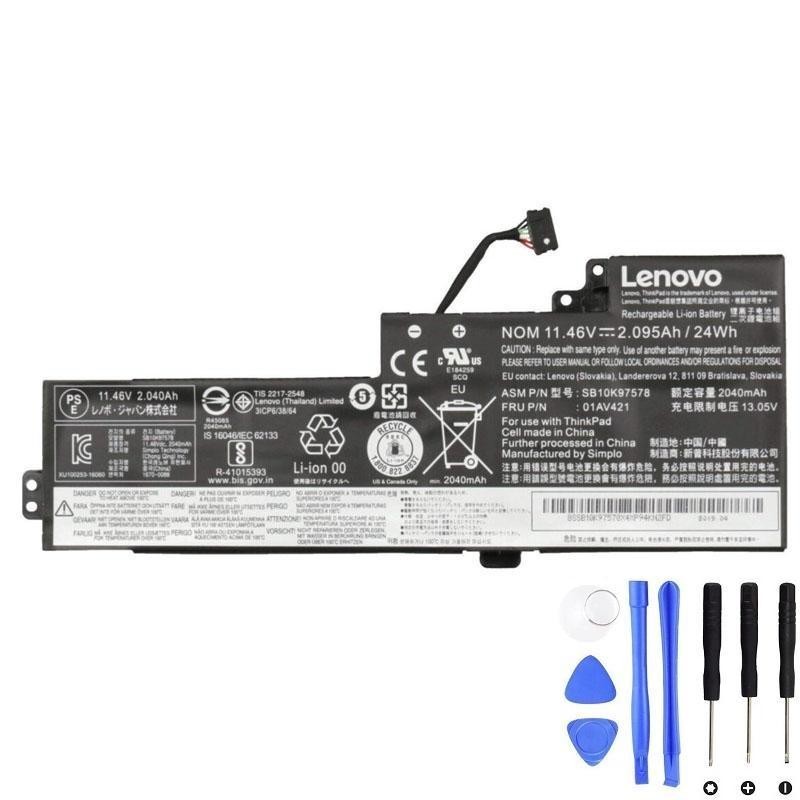
Internal battery — 24Wh (FRU 01AV421)
The built-in pack required for Power Bridge. Replacing this restores the T480’s baseline health.
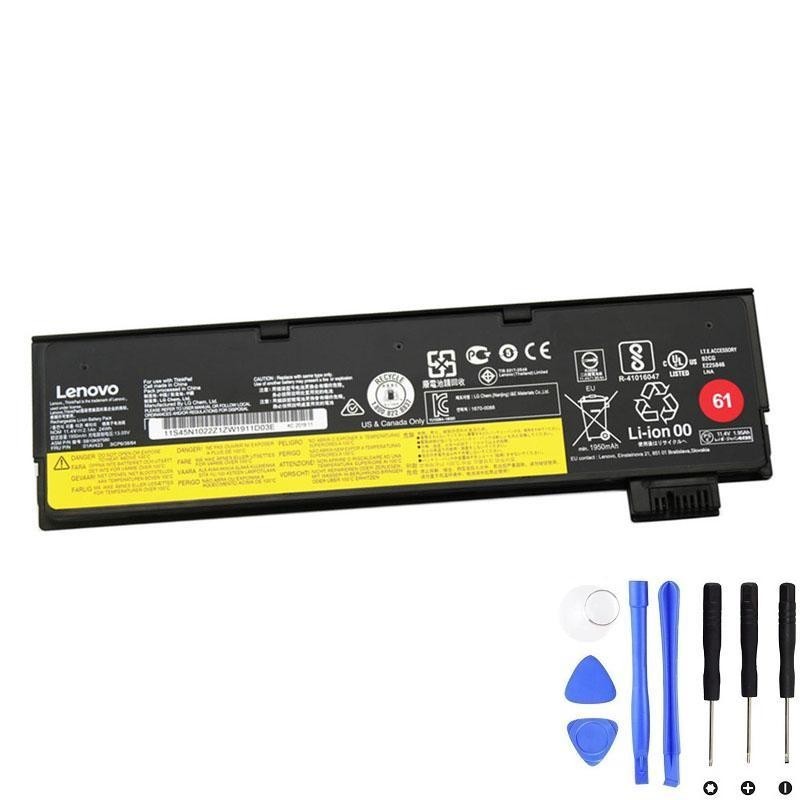
External — 24Wh (Lenovo 61, FRU 01AV423)
Slim, flat profile. Ideal for commuters who still want hot-swap flexibility.
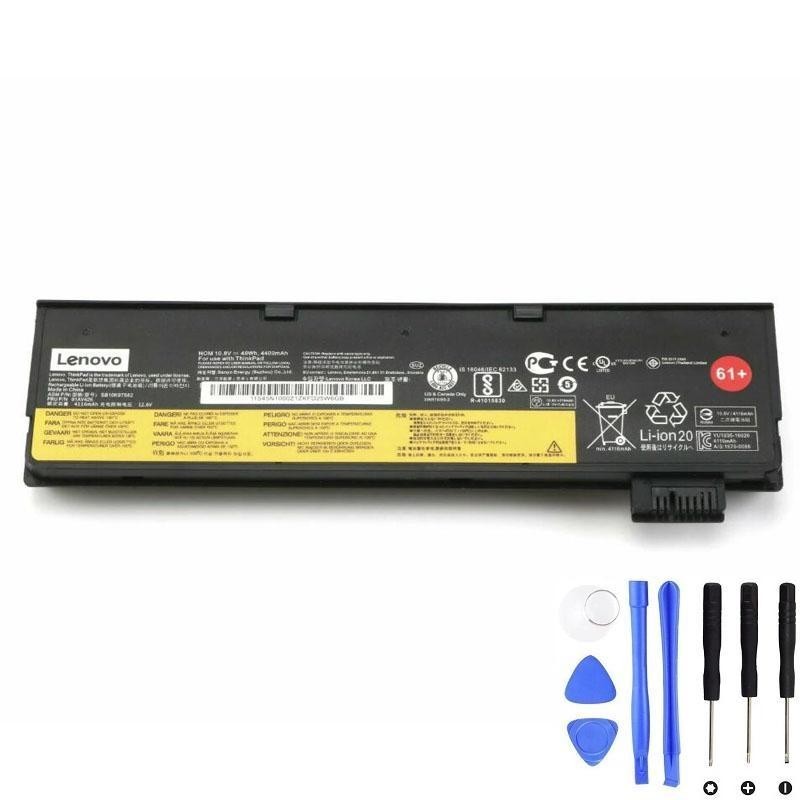
External — 48Wh (Lenovo 61+, FRU 01AV425)
Balanced “extra range” option. Slight wedge at the back, much longer runtime.
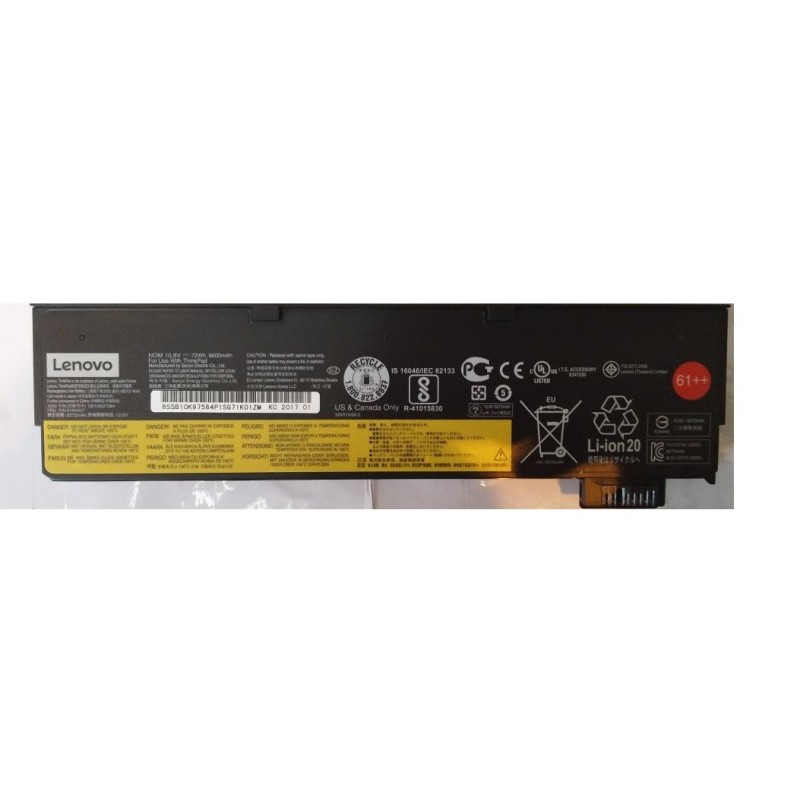
External — 72Wh (Lenovo 61++, FRU 01AV427 / 01AV492)
Maximum endurance. Noticeable wedge; perfect for travel days or field work.
How the numbers stack up (total capacity)
| Setup | Packs used | Total Wh | Use case |
|---|---|---|---|
| Single (lightest) | Internal 24Wh | 24Wh | Short meetings, quick errands |
| Dual (balanced) | Internal 24Wh + External 24Wh | 48Wh | Daily commute, flat profile |
| Dual (long day) | Internal 24Wh + External 48Wh | 72Wh | Work trips, conferences |
| Dual (max range) | Internal 24Wh + External 72Wh | 96Wh | Field work, long flights |
Real-world runtime varies based on CPU load, screen brightness, radio usage, and power plan.
How Power Bridge behaves
- Hot-swap: the internal battery keeps the laptop on while you swap the external pack.
- Drain order: by design, the system tends to use the external pack first so you can remove it without shutting down.
- Charge order: the laptop may prioritize charging the internal cell to preserve hot-swap functionality.
- Battery names: Windows and Lenovo Vantage may label them “Battery 1” and “Battery 2”. Don’t worry if the numbering appears reversed after a firmware update—the roles remain internal vs. external.
Which combo should I choose?
I want the lightest setup
Run the internal 24Wh alone, or pair it with the external 24Wh (61) for a flat profile.
I need extra hours
Choose the external 48Wh (61+). It adds a small wedge but significantly more runtime.
I’m off the grid
Go with the external 72Wh (61++). It’s the bulkiest but best for travel days and fieldwork.
Replacement & care
Replace the external pack first when capacity drops
It’s easy and keeps hot-swap intact. If overall runtime still disappoints, replace the internal 24Wh as well.
Health check & calibration
- Check health in Lenovo Vantage or via
powercfg /batteryreport(Windows). - After installing a new pack, do a gentle calibration once: charge to 100% → use to ~10–15% → recharge.
- Avoid heat; don’t block vents; occasional partial cycles (20–80%) are fine for longevity.
Buy the correct batteries for your T480
- Internal 24Wh — 01AV421:
Product page - External 24Wh — 61 / 01AV423:
Product page - External 48Wh — 61+ / 01AV425:
Product page - External 72Wh — 61++ / 01AV427 or 01AV492:
Product page
Tip: Pair the internal 24Wh with whichever external pack matches your day. That’s the real power of the T480’s dual-battery design.