Summary The XPS 15 is engineered for a 130-watt adapter.
Newer generations (XPS 15 9500–9540) charge via USB-C; older models (XPS 15 9550–7590) use a Dell barrel tip (7.4 mm or 4.5 mm). A quality 100W USB-C can handle light workloads, but you may see warnings or reduced performance under heavy load. For full performance, choose 130W.
Recommended XPS 15 chargers
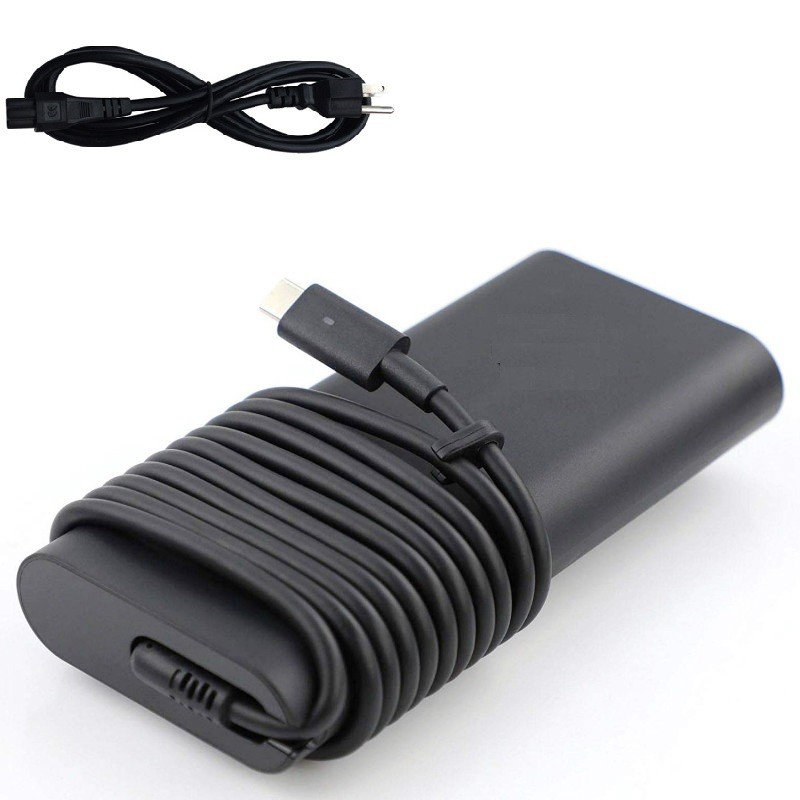

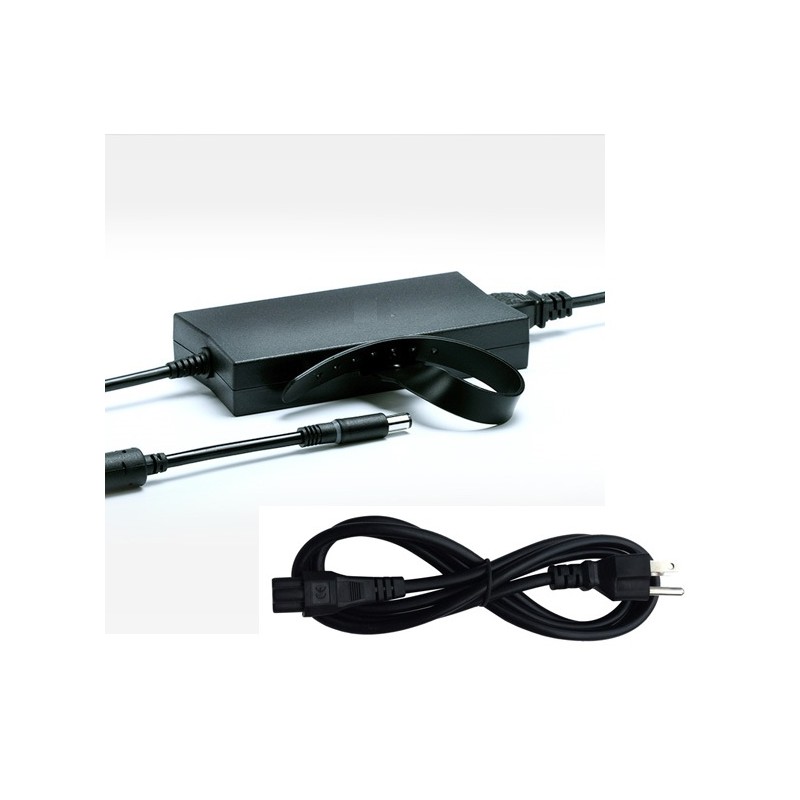
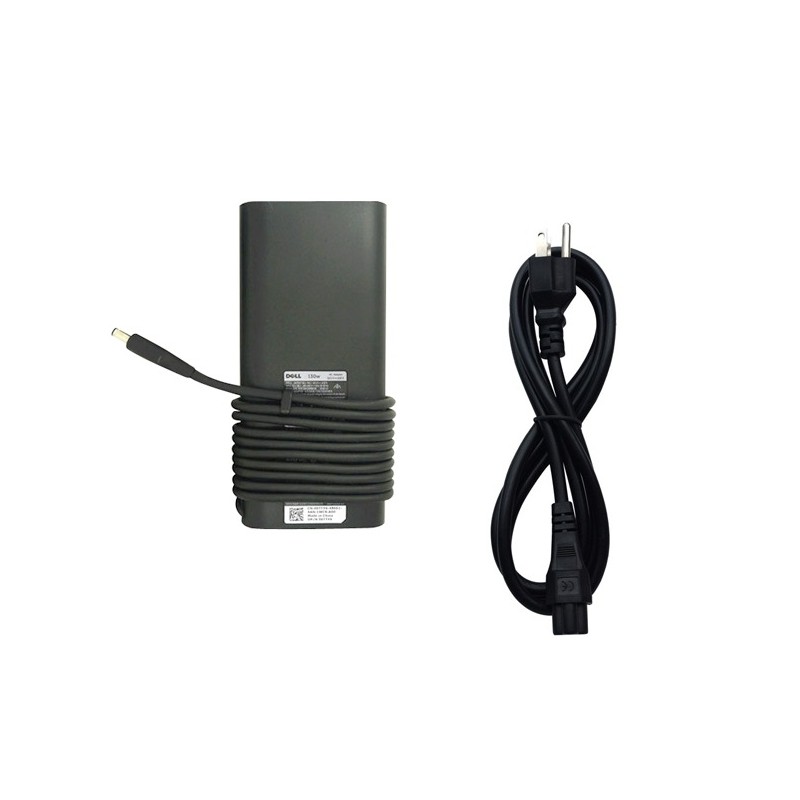
Note: Always match the wattage and connector to your exact model to avoid “adapter not recognized” warnings.
Which XPS 15 do you have?
The charging spec depends on the generation and connector type:
| XPS 15 generation | Charging connector | Recommended wattage | Notes |
|---|---|---|---|
| XPS 15 9550 / 9560 / 9570 / 7590 | Barrel DC plug (7.4 mm or 4.5 mm) | 130W (≈19.5V ~ 6.7A) | Lower wattage may throttle performance or allow the battery to discharge under load. |
| XPS 15 9500 / 9510 / 9520 / 9530 / 9540 | USB-C (both left-side ports can accept power) | 130W USB-C | A 100W USB-C can work for light use; choose 130W for full performance. |
Why 130W matters
- Headroom for boosts: CPU and dGPU bursts can spike well beyond 100W. 130W ensures stable turbo behavior.
- No BIOS warnings: Under-wattage sources trigger “adapter not recognized/slow charger” messages and limit performance.
- Protects battery: With too little wattage, the laptop may run “plugged in, discharging” during heavy tasks—bad for long-term health.
When is 100W USB-C acceptable?
If you mostly browse, write, and attend meetings, a reliable 100W USB-C brick can be convenient and lighter for travel. For video editing, 3D work, compiling, or gaming, move to a 130W USB-C to avoid throttling and slow charging. Use a 5A e-marked cable—non-e-marked cables cap at ~60–65W.
Barrel tips: 7.4 mm vs 4.5 mm
Older XPS 15 models use Dell’s blue-tip barrel plug in two sizes. The 7.4 mm is the classic, larger plug; the 4.5 mm is the slim, smaller plug. If the tip is loose or doesn’t click, you likely have the wrong size.
Buying checklist
- Wattage: Target 130W for the XPS 15.
- Connector: USB-C on 9500–9540; barrel (7.4 mm or 4.5 mm) on 9550–7590.
- Cable quality: For USB-C, pick a 5A e-marked cable.
- Safety: Look for protections against over-current, over-voltage, short-circuit, and temperature.
FAQ
Can I use 65W or 90W? For light tasks, yes—but expect reduced boost clocks and possible battery discharge during heavy loads. For best results, use 130W.
Do both USB-C ports charge? On 9500–9540, both left-side USB-C ports accept power. Try the other port or a different 5A cable if you see recognition issues.
Will a 140W USB-C PD 3.1 charger work? Many do, but behavior varies by firmware. A Dell-spec 130W USB-C remains the safest choice for consistent negotiation.