A swollen HP HT03XL (L11119-855) battery is not just a “battery life” problem—it can be a safety risk. Swelling usually means gas buildup inside the cells, and continued pressure, heat, or charging can make the situation worse.
This guide covers the most common warning signs of swelling and what you should do immediately.
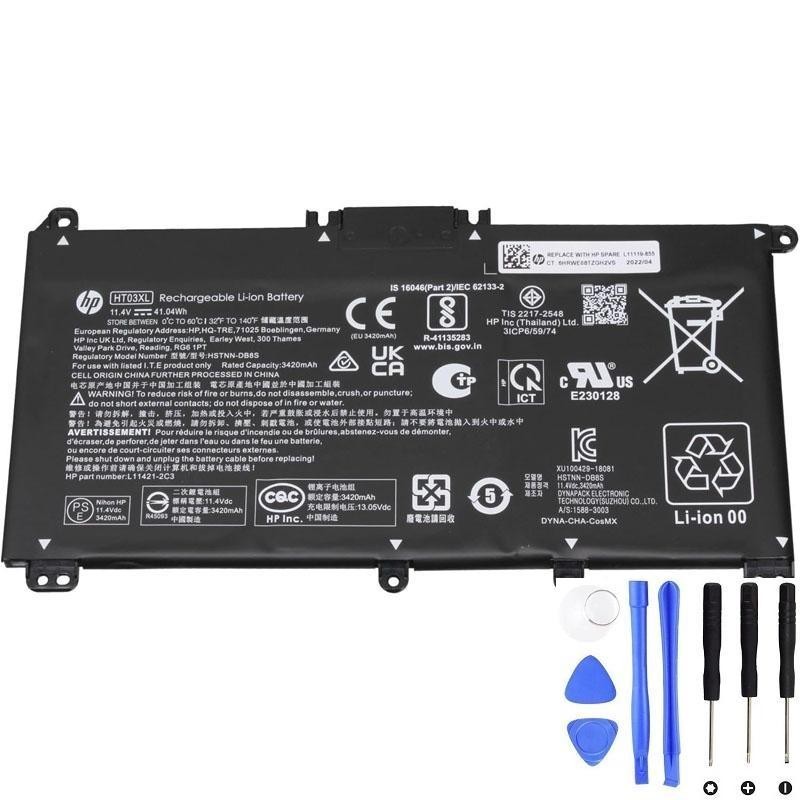
If you suspect swelling, stop using the battery and replace it as soon as possible.
1) Warning signs of a swollen HT03XL battery
Swelling is often visible through changes in the laptop’s shape or feel. Common signs include:
A) Laptop bottom cover bulging or rocking
- The bottom panel looks curved or doesn’t sit flat.
- The laptop rocks on the table (like a wobble) when you press a corner.
- Screws no longer align well, or the bottom cover doesn’t close properly.
B) Touchpad symptoms (very common on internal batteries)
- The touchpad is raised or sits unevenly.
- The click feels different: stiff, shallow, or stops clicking.
- The cursor becomes hard to control because the touchpad is physically pushed.
C) Keyboard or palm rest changes
- Keys feel “tight” or uneven.
- The palm rest or top case feels slightly lifted.
- Gaps appear between the keyboard deck and the chassis.
D) Chassis gaps and seam separation
- You notice new gaps along the edges.
- Clips pop loose.
- The lid/hinge area looks misaligned because the case is under pressure.
E) Heat and odor warning signs
- Battery area becomes unusually hot at idle or light use.
- You notice a chemical or burning smell.
F) Battery behavior changes (often occurs together)
- Fast drain
- Battery % jumping
- Charging issues
- Random shutdowns
Note: These performance symptoms alone don’t prove swelling, but if they appear together with physical bulging, treat it as a swelling case.
2) What you should do (safe next steps)
Step 1: Stop charging and power down
- Unplug the charger.
- Shut down the laptop (don’t leave it sleeping).
Step 2: Avoid pressure and heat
- Do not press on the bulging area.
- Do not place the laptop on soft surfaces (bed/blanket).
- Keep it in a cool, ventilated space.
Step 3: Back up your data (if safe to do so)
If the laptop can run safely on AC power without heating or smell, quickly back up important files. If you notice odor, smoke, or extreme heat, don’t power it on—seek professional help.
Step 4: Replace the battery
Swelling does not “go away” and is not fixable by calibration or software. Battery replacement is the correct solution.
3) What NOT to do
- Do not puncture, squeeze, or bend the battery.
- Do not keep charging “to see if it improves”.
- Do not use heavy workloads that heat the laptop.
- Do not store the laptop in a hot car or direct sunlight.
4) Disposal / recycling (important)
Swollen lithium batteries should be handled through proper recycling or an authorized electronics/battery disposal service in your area. Many electronics retailers or local recycling centers accept batteries.
Need a compatible HT03XL (L11119-855) replacement?
If you see bulging, touchpad lifting, case gaps, unusual heat, or odor, replace the battery as soon as possible for safety.